
COT Report
Excel Dashboard
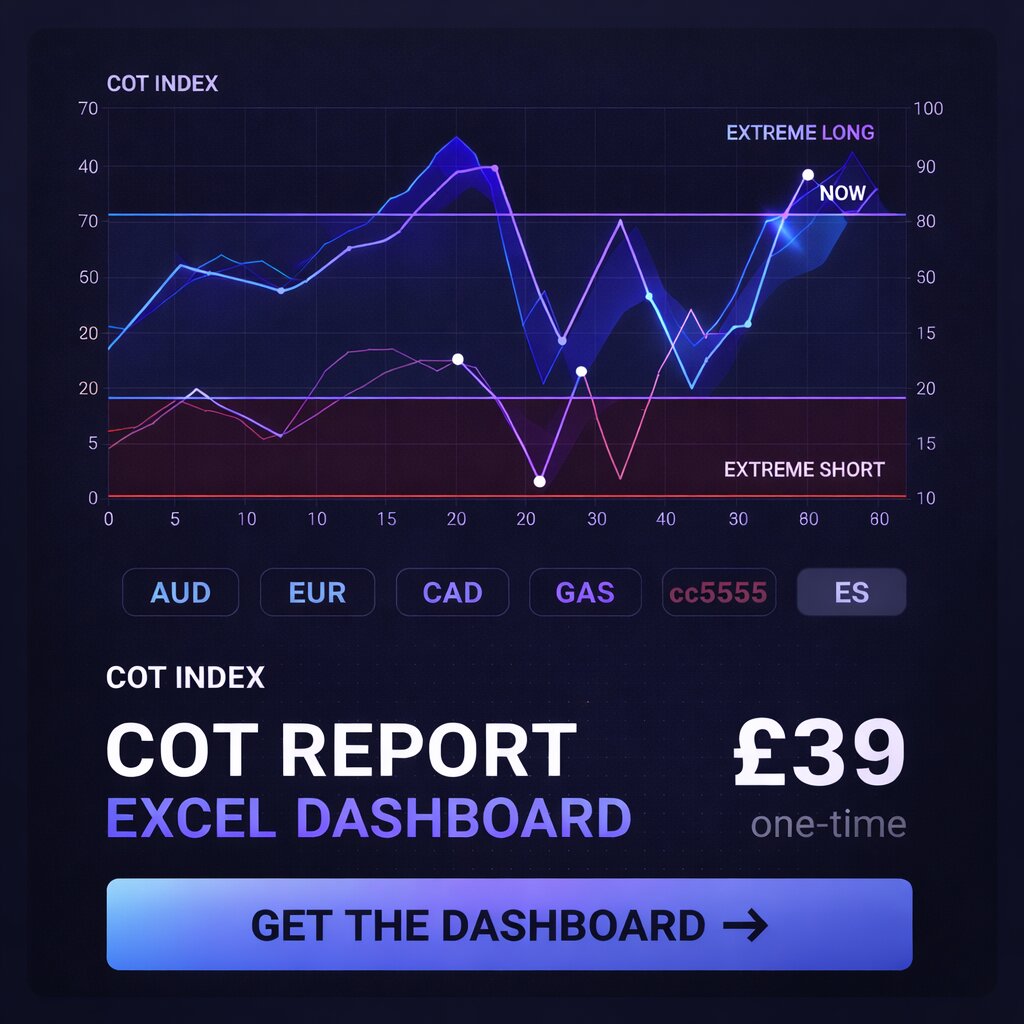
41 futures markets. 11 years of CFTC data. Auto-refreshes every week from the official API — no CSV downloads, no manual work.
Instant download via Lemon Squeezy · Requires Excel 2016+ or Microsoft 365
What's included
How it works
Download & open
You receive the file immediately after purchase. Open it in Excel — no setup, no macros to enable.
Refresh on Friday
When the CFTC publishes the weekly report (usually by 3:30 PM EST), hit Data → Refresh All.
Read the signals
Check the COT Index, Extreme Alert flags, and FLIP indicator for your markets. Takes under 5 minutes.
Who it's for
Traders who already follow the COT report and want the data in their own environment — not a website, not a subscription tool, just a clean Excel file they own and control. If you use Excel regularly and want 41 markets worth of positioning history available offline, updated in one click, this is built for you.
It is not a trading system and it does not generate signals automatically. It gives you the data, organised and calculated, so you can apply your own analysis. The web dashboard at cotdata.uk is free and covers the same data — the Excel file is for people who want to work with it directly.
Common questions
Does it auto-update permanently?
Yes. The file connects directly to the CFTC public API via Power Query. As long as the CFTC API is live (it has been for years), Refresh All will always pull the latest data. No subscription required on our end.
What version of Excel do I need?
Excel 2016 or newer on Windows, or Microsoft 365. Power Query is required for the auto-refresh — it is built into all modern Excel versions. Excel for Mac has limited Power Query support and is not recommended.
Is it compatible with Google Sheets or LibreOffice?
No. The auto-refresh functionality uses Power Query, which is Excel-only. The file will open in other applications but the data refresh will not work.
How long does a refresh take?
Around 60–90 seconds for all 41 markets. The file fires 41 API calls to the CFTC sequentially. Speed depends on your internet connection.
When should I refresh it?
The CFTC publishes each Friday's report by approximately 3:30 PM Eastern. Refresh any time after that on Friday, or over the weekend — the data does not change after publication.
Is this a one-time purchase?
Yes. You pay once and receive the file. There are no recurring charges, no licence keys, and no expiry. Future updates to the file (if any) would be offered separately.
Ready to use from day one
41 markets, 11 years of history, weekly auto-refresh. One-time £39 — no subscription, no setup.
Get the Dashboard — £39Instant download · Secure checkout via Lemon Squeezy · Requires Excel 2016+ on Windows